
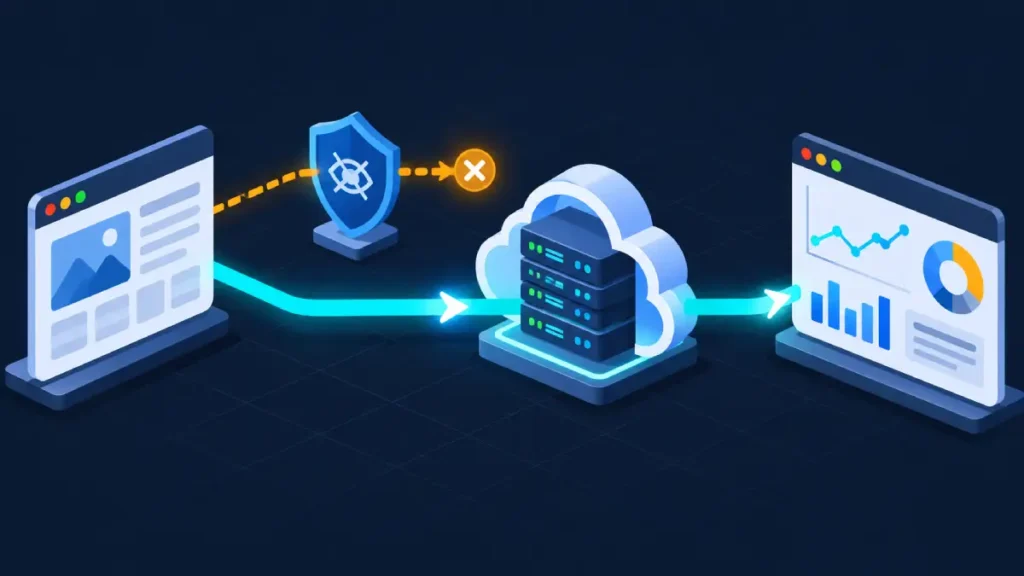
Meta CAPI integration is the process of establishing a direct, server-to-server connection between a website’s backend infrastructure, CRM, or cloud server and Meta’s advertising servers.
Unlike the browser-based Meta Pixel, which relies on client-side JavaScript and third-party cookies to track user actions, CAPI transmits conversion events directly via Meta’s Conversions API server-to-server interface.
For SEO professionals, implementing CAPI is essential for accurate cross-channel attribution, protecting conversion data against browser tracking restrictions, and proving the downstream revenue impact of organic search traffic.
As browser vendors tighten privacy controls and ad-blocking software becomes standard across desktop and mobile devices, client-side tracking alone captures an increasingly fragmented picture of user behavior.
When organic visitors land on a site, browse multiple pages, and convert days later—or complete a transaction offline after submitting an organic lead form—relying solely on browser pixels leads to severe underreporting.
Integrating Meta CAPI closes these visibility gaps, ensuring that organic acquisition and paid retargeting operate on unified, reliable data. Explore broader cloud container and attribution architecture in our Server Side Tracking hub.
Why Meta CAPI Matters for Organic Search and Attribution
Historically, SEO teams and paid media teams operated with separate tracking architectures. SEOs relied on Google Analytics and Google Search Console, while paid social managers relied on the Meta Pixel.
Today, search and social strategies overlap heavily across the customer journey. A user frequently discovers a brand through an informational organic search query, leaves without converting, and later converts via a Meta retargeting campaign—or vice versa.
Without server-side event transmission, three major issues distort attribution data:
- Signal Loss from Browser Restrictions: Intelligent Tracking Prevention (ITP) in Safari, Enhanced Tracking Protection in Firefox, and strict privacy settings in mobile browsers limit cookie lifespans and block third-party tracking scripts. When a browser blocks the Meta Pixel, retargeting audiences shrink and conversion paths break.
- Ad Blockers and Script Failures: Client-side JavaScript tags are routinely blocked by browser extensions or fail to fire on slow mobile connections before a user navigates away from a confirmation page.
- Offline and Delayed Conversions: In B2B, high-ticket e-commerce, and local service industries, organic search often generates an initial lead, while the actual revenue event occurs days or weeks later inside a CRM or point-of-sale system. Client-side pixels cannot capture offline pipeline progression.
By sending events directly from the server, Meta CAPI bypasses browser-level interference. When configured alongside the Meta Pixel in a redundant setup, it provides Meta’s attribution engine with cleaner conversion signals and allows technical marketers to maintain consistent data hygiene across analytics platforms.
How Meta CAPI Works Alongside the Meta Pixel
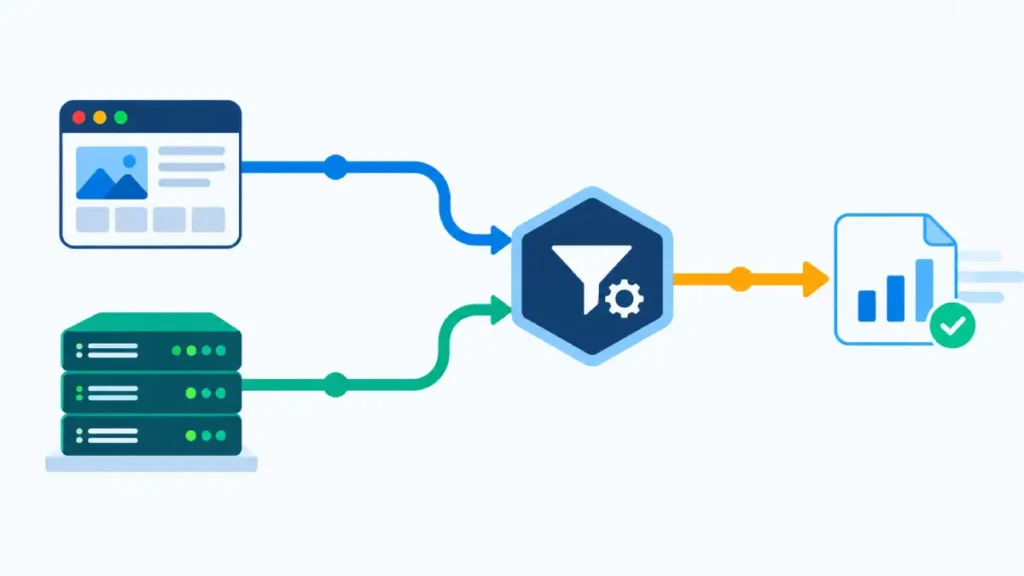
Meta recommends running the Conversions API in parallel with the Meta Pixel rather than replacing the pixel entirely. This dual setup allows Meta to receive events from both the browser and the server, maximizing event coverage while maintaining real-time behavioral triggers.
To prevent double-counting conversions when both the browser and server report the same user action, Meta uses a process called event deduplication. Deduplication relies on two matching parameters sent with both the Pixel event and the CAPI event:
- Event Name (
event_name): Both sources must transmit the same standard or custom event name (for example,Purchase,Lead, orCompleteRegistration). - Event ID (
event_id): A unique identifier generated for that specific user interaction—such as an order confirmation number or a dynamically generated UUID—must be passed identically in both the browser payload and the server payload.
When Meta’s servers receive two events with the same event_name and event_id within a specific deduplication window, the system retains the first event received and discards the duplicate, following Meta’s official pixel and server deduplication rules.
| Feature / Dimension | Meta Pixel (Client-Side) | Meta Conversions API (Server-Side) |
| Execution Environment | User’s web browser via JavaScript | Web server, cloud container, or CRM |
| Vulnerability to Ad Blockers | High (frequently blocked) | Low (server-to-server HTTP POST) |
| Cookie Dependency | Relies heavily on browser cookies (_fbp, _fbc) | Uses first-party server data and hashed PII |
| Offline Event Support | None (requires active browser session) | Full support for CRM and offline sales stages |
| Data Governance Control | Limited (browser exposes payload in network tab) | High (server filters and hashes data before sending) |
| Implementation Complexity | Low (standard tag snippet) | Moderate to High (requires server or GTM setup) |
Primary Methods for Meta CAPI Integration
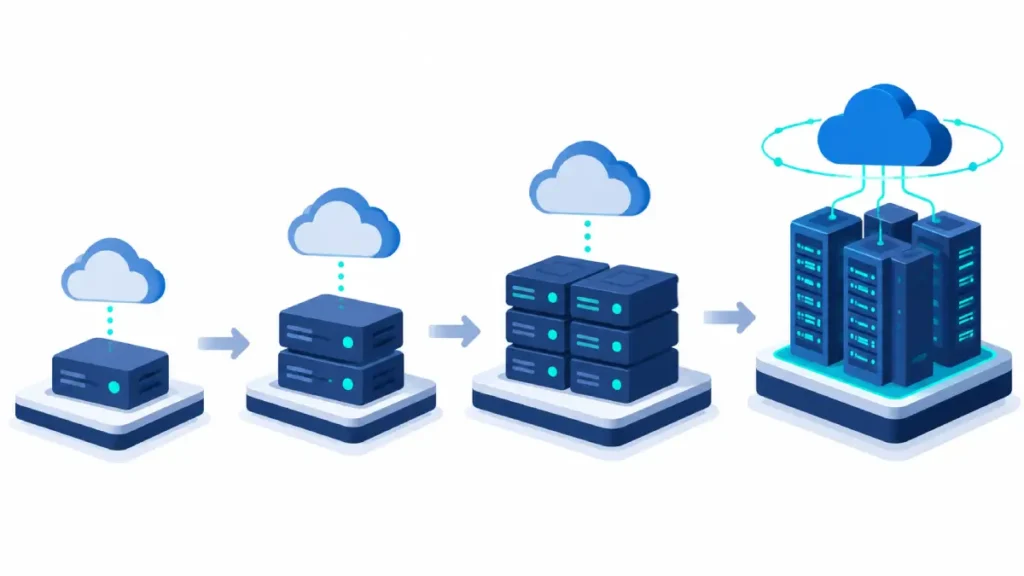
Selecting the right integration architecture depends on your website’s tech stack, engineering bandwidth, and existing tag management infrastructure. There are four primary pathways to deploy Meta CAPI.
1. Partner Platform Integrations
Content management systems and e-commerce platforms such as Shopify, WooCommerce, WordPress, and BigCommerce offer native plugins or partner apps built in collaboration with Meta. These integrations require minimal code and automatically map standard e-commerce events (ViewContent, AddToCart, InitiateCheckout, Purchase) from the platform backend to Meta. For small-to-midsize sites running on supported CMS platforms, partner integrations offer the fastest deployment path, though they provide less customization for complex B2B lead scoring.
2. Google Tag Manager (GTM) Server-Side Container
For SEO professionals and technical marketers already managing tags through Google Tag Manager, a server-side GTM container is often the most flexible solution. In this setup, a web GTM container sends first-party data to a cloud-hosted tagging server (typically hosted on Google Cloud Platform or Stape). The server container processes the incoming stream, strips unnecessary parameters, and forwards formatted server events to Meta’s CAPI endpoint using the official Meta Conversions API tag template. This approach centralizes data governance, improves page load speed by reducing client-side third-party scripts, and supports multiple analytics vendors simultaneously.
Compare cloud hosting trade-offs and container run-rate savings in our Server-Side GTM Cloud Deployment guide and Server-Side GTM Cost Optimization guide.
3. Conversions API Gateway
Meta’s Conversions API Gateway is a self-service cloud deployment option designed for businesses that want server-side tracking without writing custom backend code or managing a full server-side GTM instance. Configured directly inside Meta Events Manager, the Meta Conversions API Gateway spins up an isolated cloud environment (commonly on AWS) that listens to existing Meta Pixel events and mirrors them through a server-side endpoint. While straightforward to deploy, it relies on the browser pixel to initiate the data stream, meaning it does not capture pure offline CRM events on its own.
4. Direct Graph API Integration
Enterprise websites with proprietary backends or strict data compliance requirements often build a direct integration using Meta’s Graph API. Developers write server-side code (using Node.js, Python, PHP, or Java) to send HTTPS POST requests directly to the /events edge of the Meta Pixel ID. Direct integration offers complete control over payload structure, custom parameters, retry logic, and CRM webhooks, but requires ongoing engineering maintenance whenever API versions update.
Step-by-Step Implementation Workflow
Regardless of the chosen integration method, a reliable Meta CAPI deployment follows a structured technical workflow.
Step 1: Audit Existing Pixel Events and Conversions
Before configuring server endpoints, document every conversion action currently tracked on the site. Map out standard events (such as Lead, Purchase, Schedule, or Subscribe) and identify where they fire in the user journey. Ensure that organic landing pages and key conversion funnels have clean URL structures and consistent form submission triggers.
Step 2: Generate Access Tokens and Configure Events Manager
Inside Meta Events Manager, navigate to the target Pixel settings and generate a Conversions API access token. Store this token securely as an environment variable on your server or within your server-side tag manager—never expose the access token in client-side JavaScript or public code repositories.
Step 3: Map Customer Information Parameters and Hashing
To match server events to real Meta user profiles, CAPI relies on customer information parameters (user_data). Meta requires personally identifiable information (PII)—including email addresses, phone numbers, first and last names, cities, states, and postal codes—to be normalized and hashed using SHA-256 according to Meta’s customer information parameter specifications.
In addition to hashed PII, pass non-hashed browser identifiers whenever available:
- Click ID (
fbc): Captured from thefbclidURL query parameter when a user arrives from a Meta ad and stored in a first-party cookie. - Browser ID (
fbp): Generated by the Meta Pixel and stored in the_fbpfirst-party cookie. - Client IP Address (
client_ip_address) and User Agent (client_user_agent): Passed directly from the incoming HTTP request headers to improve match accuracy.
Step 4: Implement Event Deduplication Logic
Configure your frontend and backend to generate a shared event_id for every trackable action. For example, when a user submits a contact form on an organic landing page, generate a unique transaction ID on form submission, pass it to the data layer for the browser Meta Pixel, and simultaneously send the same ID with the server-side payload.
Step 5: Validate Payloads in Events Manager
Use the Test Events tool inside Meta Events Manager to inspect incoming server traffic in real time. Trigger test conversions across key user flows and verify that:
- Both browser and server events appear in the diagnostic log.
- The status column confirms that duplicate events are properly deduplicated rather than double-counted.
- No formatting or hashing errors appear in the diagnostics tab.
Optimizing Event Match Quality (EMQ)
Event Match Quality (EMQ) is a diagnostic metric inside Meta Events Manager that indicates how effectively the customer information parameters sent with your server events match user accounts, as outlined in Meta’s Event Match Quality documentation
.
Higher EMQ scores generally correlate with better attribution accuracy and lower cost per acquisition in retargeting campaigns.
SEO and analytics teams can improve EMQ scores through several technical adjustments:
- Capture Multiple Identifiers Early: If a user enters an email address during step one of a multi-step lead form, capture and hash that email so it can be attached to subsequent step events.
- Preserve First-Party Cookies: Ensure server configurations do not inadvertently strip
_fbpand_fbccookies during redirects or cross-subdomain navigation (for example, moving fromblog.example.comtoapp.example.com). - Format Phone Numbers Strictly: Normalize phone numbers to E.164 format (including country code, without symbols or spaces) before SHA-256 hashing. Inconsistent formatting causes valid numbers to fail matching.
- Include Geographic Parameters: Passing city, state, zip code, and country alongside email or phone parameters significantly increases match confidence when email addresses differ from a user’s primary Meta login.
Common Technical Pitfalls and Privacy Considerations
Deploying server-side tracking introduces specific technical and regulatory responsibilities that SEO professionals must coordinate with legal and engineering teams.
Consent Management Platform (CMP) Alignment: Moving tracking from the browser to the server does not exempt a website from privacy regulations such as GDPR, CCPA, or CPRA. If a user declines marketing cookies or opts out of data sharing via your Consent Management Platform, your server-side logic must respect that consent signal and suppress CAPI event transmission.
PII Leakage in Custom Parameters: Never pass unhashed PII inside custom_data fields or full URL strings (event_source_url) containing query parameters with email addresses or names. Scrub sensitive query parameters before forwarding URLs to Meta.
Timestamp Drift: Meta requires the event_time parameter (formatted as a Unix timestamp in seconds) to be accurate and within seven days of the actual event occurrence. Server clocks out of sync via NTP or delayed batch uploads can cause events to be rejected.
Actionable Next Steps for SEO Teams
To integrate Meta CAPI cleanly without disrupting organic site performance, follow this implementation checklist:
- Audit Page Speed Impact: Replacing redundant third-party browser scripts with a single server-side stream can reduce main-thread JavaScript execution time, supporting Core Web Vitals performance.
- Align Conversion Definitions: Meet with paid social and analytics stakeholders to standardize event names and deduplication keys across Google Analytics 4, Meta CAPI, and your CRM.
- Establish Ongoing Monitoring: Schedule monthly checks in Meta Events Manager to review Event Match Quality scores, API error logs, and consent compliance across all organic landing page templates. See how server-side rendering and edge delivery impact technical SEO in our Client to Server Scripting guide.