

Schema validation is the process of checking structured data markup—most commonly JSON-LD—against vocabulary rules (such as Schema.org) and search-engine-specific eligibility requirements before or after deployment.
For SEO professionals managing production sites in the United States, schema validation does two distinct jobs: it confirms that your markup is syntactically valid and topically accurate, and it verifies whether search engines can actually parse and use the properties required for specific rich result features.
A common mistake in technical SEO is treating “valid syntax” and “rich result eligibility” as the same thing. A JSON-LD block can be completely valid JSON and conform to Schema.org types while still missing properties required by a search engine’s feature guidelines, referencing nonexistent or misleading entities, or conflicting with visible page content.
Conversely, a minor syntax error—such as a trailing comma, an unescaped quote, or a malformed date string—can cause a parser to drop an entire script block silently.
As sites scale across templates, headless frontends, tag managers, and automated product feeds, schema errors rarely stay confined to a single URL. One bad deploy in a shared Product, Organization, BreadcrumbList, or Article component can affect thousands of pages at once.
Building repeatable schema validation into staging, template QA, and post-release monitoring is how SEO teams protect rich result eligibility and keep entity graphs clean.
Why Schema Validation Matters Beyond Rich Result Eligibility
When SEO teams talk about structured data, rich snippets usually get top billing because they change how listings look in search results. Validation protects that visibility, but its practical value runs deeper across three operational areas:
- Preventing silent template regressions: Automated rendering pipelines, CMS updates, and JavaScript hydration layers frequently introduce subtle bugs—like
NaNprices, emptyaggregateRatingobjects, or relative URLs where full URLs are expected. Validation catches structural drift before it reaches live templates. - Keeping entity relationships coherent: Modern structured data relies heavily on connected entities (
@idreferences linkingOrganization,WebSite,Article,Person,Product, andOffer). Broken references or contradictory attributes fragment how search systems interpret relationships on a site. - Avoiding policy and mismatch issues: Structured data that describes content absent from the rendered HTML, uses unsupported markup for restricted or deprecated features, or misrepresents ratings, availability, or authorship creates unnecessary risk. Validation helps teams spot discrepancies between markup and visible page copy.
For U.S.-focused SEO teams working on competitive commercial, editorial, or local queries, rich results often influence click-through rates and SERP real estate.
Even when rich results are not guaranteed—search engines retain full discretion over whether and when to display them—invalid or incomplete markup removes eligibility before the ranking or presentation layer even evaluates the page.
Syntax vs. Vocabulary vs. Feature Requirements: Three Layers of Validation
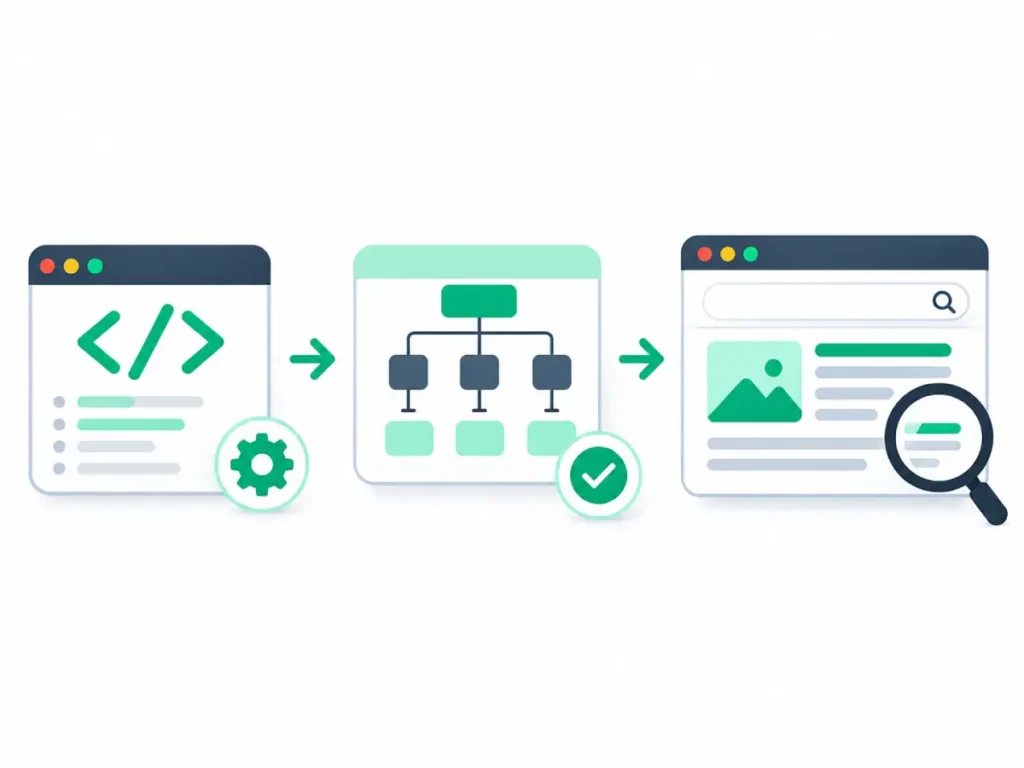
Effective schema validation separates three layers that are often conflated in day-to-day audits:
| Validation Layer | What It Checks | Typical Failure Examples | Practical Takeaway for SEOs |
| Syntax & Serialization | Whether JSON-LD (or Microdata/RDFa) is well-formed and parseable | Trailing commas, invalid JSON escapes, broken <script type="application/ld+json"> tags | A single syntax error can invalidate the entire block |
| Vocabulary & Data Types | Whether types, properties, and value formats align with Schema.org definitions | Wrong data type for a field, malformed ISO 8601 dates, invalid URLs | Vocabulary compliance is a baseline, not a rich-result guarantee |
| Search Feature Rules | Whether properties required or recommended for a specific search feature are present and consistent | Missing offers or review/aggregateRating where expected, markup hidden from users | Passing general schema checks does not guarantee feature eligibility |
Understanding this distinction prevents two costly errors: over-engineering every possible Schema.org property on a page when search engines only use a focused subset, or assuming a green check on a generic validator means a page qualifies for a rich snippet.
High-Frequency Schema Errors That Trip Up Production Sites
Across audits of content publishers, e-commerce catalogs, and multi-location brands, the same failure patterns show up repeatedly:
1. Broken JSON-LD Formatting and Injection Bugs
JSON-LD is widely favored because it separates structured data from HTML presentation, but string concatenation in templates or tag managers often produces invalid JSON. Unescaped characters in product titles, descriptions, or author bios—especially quotation marks and line breaks—are frequent culprits. Another common issue is injecting schema via client-side scripts that fail, time out, or mutate after initial render, complicating parsing.
2. Missing Required Properties or Empty Values
Templates frequently render keys with empty strings, null, or placeholder values when upstream database fields are missing (for example, "price": "" or "author": {"@type": "Person", "name": ""}). Incomplete or empty nodes often trigger errors or warnings during validation and signal sloppy template logic.
3. Mismatches Between Schema and Visible Page Content
Search engines expect structured data to reflect what human users actually see on the page. Common mismatches include:
- Marking up an
AggregateRatingorReviewwhen no visible reviews exist on the page. - Listing a price or stock status in
Offerthat differs from the visible product card or checkout state. - Using
ArticleorNewsArticledates (datePublished,dateModified) that conflict with visible publication or update timestamps.
4. Conflicting or Duplicate Schema Blocks
Pages often accumulate overlapping schema from multiple sources: a theme or SEO plugin outputs Organization and BreadcrumbList, a custom component outputs another Organization with different details, and a tag manager injects a third snippet. Multiple conflicting definitions for the same entity confuse entity resolution and make debugging harder.
5. Improper @id Linking and Relative URLs
Using clean, consistent @id identifiers helps tie entities together across a site, whereas inconsistent @id strings or relative paths (like "/about" instead of a full canonical URL where absolute URLs are required) can sever intended connections or produce malformed URLs.
A Practical Schema Validation Workflow Across the Content Lifecycle
Rather than treating schema validation as a one-off audit right before or after a major site migration, integrate checks at four checkpoints:
- Template & Component Design: Define a strict schema specification per page template (for example: homepage, category/collection page, product detail page, editorial article, location page). Document which types are allowed, how
@idURIs are structured, and which fields map to CMS or feed attributes. - Pre-Release / Staging QA: Test representative URLs for each template—including edge cases like out-of-stock products, multi-author articles, or pages with optional fields—before merging code. Verify that rendered HTML contains the expected JSON-LD and that dynamic values populate cleanly.
- Post-Release Verification: Immediately after deploying template or CMS changes, validate a sample of live URLs across key templates and monitor search console enhancement/structured data reports over subsequent days as recrawling occurs.
- Ongoing Crawl & Monitoring Audits: Run periodic sitewide crawls that extract JSON-LD blocks to detect template regressions, unexpected new types, duplicate blocks, or sudden spikes in missing fields across thousands of URLs.
Choosing Representative URLs for Testing
Testing one homepage and one random product page is rarely enough. Build a small QA test matrix covering edge cases:
- A standard item with all recommended fields populated.
- A stripped-down item with optional fields missing.
- An edge-case item (out-of-stock or discontinued product, updated article with no major rewrite, location page with seasonal hours).
- Any template that relies on JavaScript rendering or user interaction.
Working With AI Assistants Like Claude on Schema Tasks
Large language models such as Claude can speed up schema drafting, JSON-LD debugging, and template planning—for instance, helping map CMS fields to JSON-LD properties, spotting malformed JSON in a pasted snippet, or explaining how nested entities fit together.
However, AI tools have clear operational limits in schema validation:
- No live rendering or live SERP verification: A text-based model cannot render live pages in a headless browser, inspect live HTTP headers/redirects, or confirm how a search engine currently parses a live URL unless you supply the exact markup and context.
- Risk of plausible-looking hallucinations: Models can invent Schema.org property names, guess feature rules, or generate overly verbose markup that looks convincing at a glance. Always cross-check generated JSON-LD against official documentation and dedicated structured data testing tools.
- Context sensitivity: If you paste only a snippet of JSON-LD without the surrounding HTML or template logic, an assistant cannot verify whether the markup matches visible page content or collides with other scripts on the page.
When using an AI assistant as part of your workflow, paste the actual rendered JSON-LD block, state the page template and visible content context, and treat the output as a draft to be validated—never as a final sign-off.
Common Pitfalls and Governance Habits for SEO Teams
Even experienced SEO teams run into friction when schema ownership is unclear. When engineering owns templates, content editors own copy, and marketing owns tag managers, structured data can drift in three directions at once.
Establishing clear ownership resolves most of that friction. Decide which team owns core sitewide entities (Organization, WebSite), which owns page-level templates (Product, Article, LocalBusiness), and how changes are reviewed before release.
Keep markup focused on accurate, verifiable facts on the page; avoid adding schema for features you do not actually support; and document every template’s schema rules so new team members or contractors do not introduce conflicting patterns.